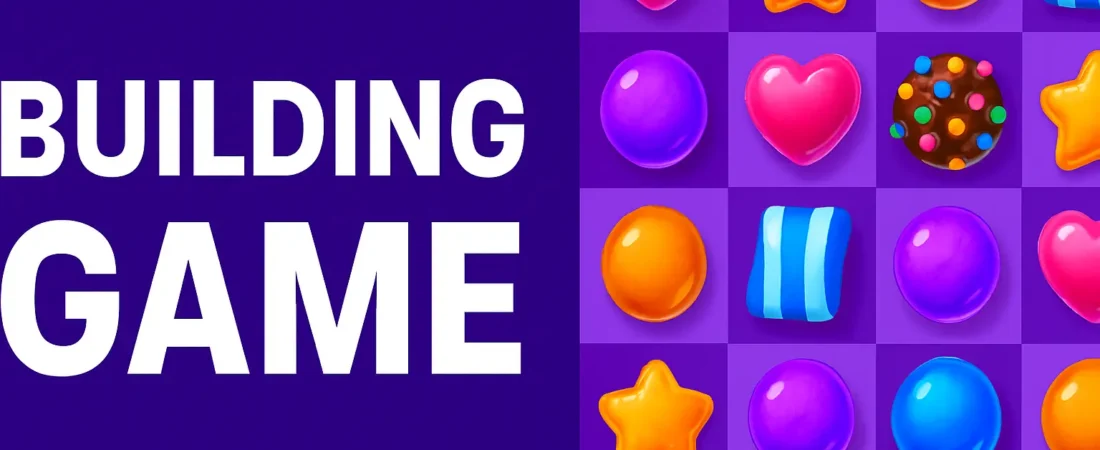
If you’ve ever wanted to build a small but delightful puzzle game like Candy Crush, you’ll love this project. In this guide, we’ll explore a React-based game called Gem Crush — a simple yet engaging match-3 game built using Next.js, Tailwind CSS, and Framer Motion. We’ll also add sound effects using the Web Audio API, without needing any external audio files.
Overview
The Gem Crush game features an 8×8 grid of colorful gems. Players can swap adjacent gems to form rows or columns of three or more matching gems. When a match occurs, the matched gems disappear, new ones fall in, and the player scores points.
We’ll look at how the game is structured, how animations and sounds are added, and how logic for matching and collapsing works.
Setting Up the Grid
The grid is defined by a size constant:
const SIZE = 8;
Each cell in the grid contains a Gem object with a unique ID and a type (color index). The createGrid() function initializes a full board with random gems:
const createGrid = (): Gem[] => {
  const g: Gem[] = [];
  for (let i = 0; i < SIZE * SIZE; i++) g.push(createGem());
  return g;
};
We ensure that the initial board contains no matches by regenerating any automatically matched gems during setup.
Handling User Interaction
The game keeps track of which gem the player selects. If a player clicks two adjacent gems, they swap. If the swap leads to a valid match, the matched gems clear. If not, the swap reverts.
function areAdjacent(a: number, b: number) {
  const { r: ra, c: ca } = indexToRC(a);
  const { r: rb, c: cb } = indexToRC(b);
  return (Math.abs(ra - rb) === 1 && ca === cb) || (ra === rb && Math.abs(ca - cb) === 1);
}
This adjacency check ensures only valid swaps are allowed.
Detecting Matches
The findMatches() function scans the grid horizontally and vertically for runs of three or more gems of the same type:
function findMatches(grid: Gem[]) {
  const remove = new Set<number>();
  // horizontal & vertical scanning logic here
  return remove;
}
Matched gems are marked for removal, replaced by new random gems after a short animation delay.
Animations with Framer Motion
We use Framer Motion to make gem movements smooth and satisfying. Each gem is wrapped in a motion.div that animates scale and opacity changes when appearing or disappearing:
<motion.div
  layout
  initial={{ scale: 0, opacity: 0 }}
  animate={{ scale: 1, opacity: 1 }}
  exit={{ scale: 0.2, opacity: 0, rotate: 20 }}
  transition={{ type: "spring", stiffness: 500, damping: 30 }}
  className={`w-full h-full rounded-lg ${colorClass}`}
/>
These animations make the gameplay visually engaging and fluid.
Adding Sound with Web Audio API
Instead of importing audio files, we synthesize simple tones directly in JavaScript using the Web Audio API:
function playSound(type: "swap" | "match" | "drop") {
  const ctx = ensureAudio();
  const o = ctx.createOscillator();
  const g = ctx.createGain();
  o.connect(g);
  g.connect(ctx.destination);
  // adjust frequency and gain envelope based on type
  o.start();
  o.stop(ctx.currentTime + 0.4);
}
This lightweight technique makes the game snappy and fully self-contained.
Keeping Score and Resetting
Every cleared gem increases the player’s score. A simple counter keeps track:
setScore((s) => s + totalCleared * 10);
A Reset button allows the user to start over, reinitializing the grid and score.
Styling with Tailwind CSS
The game’s visual polish comes from Tailwind’s utility classes. Rounded corners, subtle shadows, and responsive layouts make it feel like a real polished web game.
Example button styling:
<button className="px-3 py-1 rounded-lg bg-indigo-600 text-white hover:bg-indigo-700">Reset</button>
Tech Stack Summary
| Technology | Purpose |
|---|---|
| Next.js | Framework for React + routing |
| React Hooks | State management and effects |
| Framer Motion | Smooth UI animations |
| Tailwind CSS | Modern, responsive styling |
| Web Audio API | Built-in browser sounds |
Key Takeaways
- Match-3 logic can be implemented cleanly using arrays and coordinate math.
- Framer Motion provides professional-grade animation with minimal code.
- Web Audio API lets you generate sound effects without external files.
- With React and Tailwind, even small games can look and feel beautiful.
Conclusion
The Gem Crush game demonstrates how front-end technologies like React and Tailwind can create interactive, animated web experiences. By combining declarative UI logic, reactive state management, and a sprinkle of sound design, you can build fun, playable games directly in the browser.
Try enhancing this project further with power-ups, timers, or high-score tracking — the sky’s the limit!
Download the Full Code
Want to see the complete source or run the project locally? Download the full code archive here: